How to Generate Playwright Tests from Jira Stories in 30 Seconds
Stop writing boilerplate. Turn any Jira ticket into complete, runnable Playwright test code — automatically.
If you've ever stared at a Jira ticket full of acceptance criteria and thought, “Now I have to write tests for all of this,” you're not alone. QA engineers spend a large share of their time writing boilerplate test code — repetitive setup, teardown, and assertions that add zero value.
Testcraft changes that. It reads your Jira story, understands the acceptance criteria, and generates complete, runnable Playwright test code in seconds. No prompting skills needed. No copy-paste. Just paste a link and get production-ready tests.
Why Jira-to-Test Automation Matters
Most teams follow the same painful workflow:
- Product writes a Jira story with acceptance criteria
- QA manually translates each criterion into test cases
- QA writes Playwright/Cypress/Selenium code for each test
- Tests get outdated when requirements change
- Repeat for every sprint
This manual pipeline creates a bottleneck. Developers ship faster than QA can test. By connecting Jira directly to test generation, you eliminate steps 2 and 3 entirely.
Step-by-Step: Generate Playwright Tests from Jira
Step 1: Connect Your Jira Account
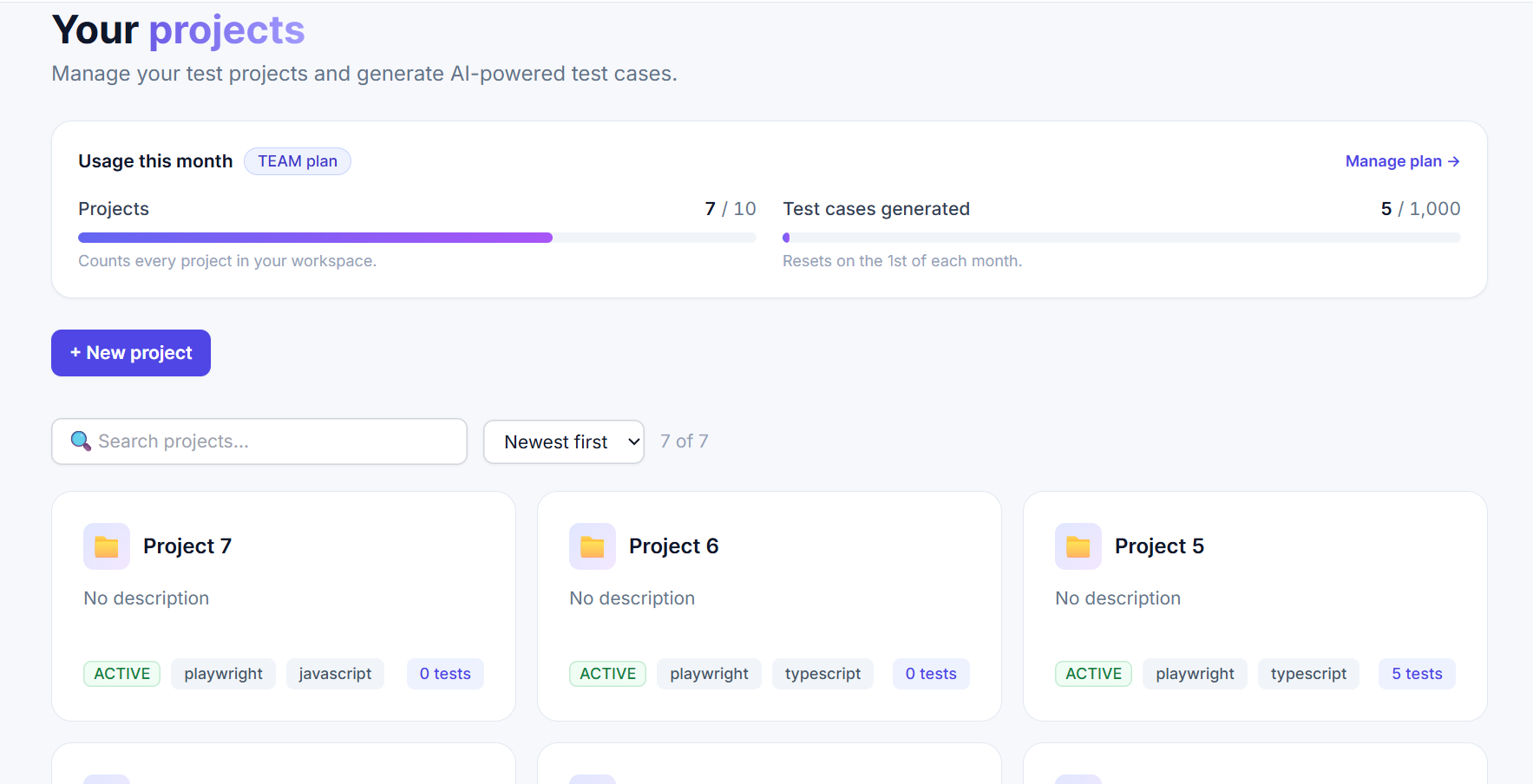
After signing up at testcraft.online, open a project and click “Connect Jira.”
Testcraft uses Atlassian's official OAuth 2.0 integration. You'll be redirected to authorize access to your Jira projects. Testcraft only requests read access — it never modifies your tickets.
Step 2: Paste a Jira Story Link
Copy the URL of any Jira story or bug ticket. It looks like:
https://yourcompany.atlassian.net/browse/PROJ-42
Paste it into the import field on your Testcraft project page. Click“Preview” to check that Testcraft reads the ticket you expect, then “Generate tests from ticket.”
Step 3: AI Reads the Story
Testcraft fetches the Jira issue and extracts:
- Story title and description
- Acceptance criteria (bulleted lists, checkboxes, or Gherkin scenarios)
This context is fed into Testcraft's AI pipeline, which is built on top of frontier language models. The AI understands testing patterns across Playwright, Cypress, and Selenium — it knows what makes a good test.
Step 4: Choose Your Settings
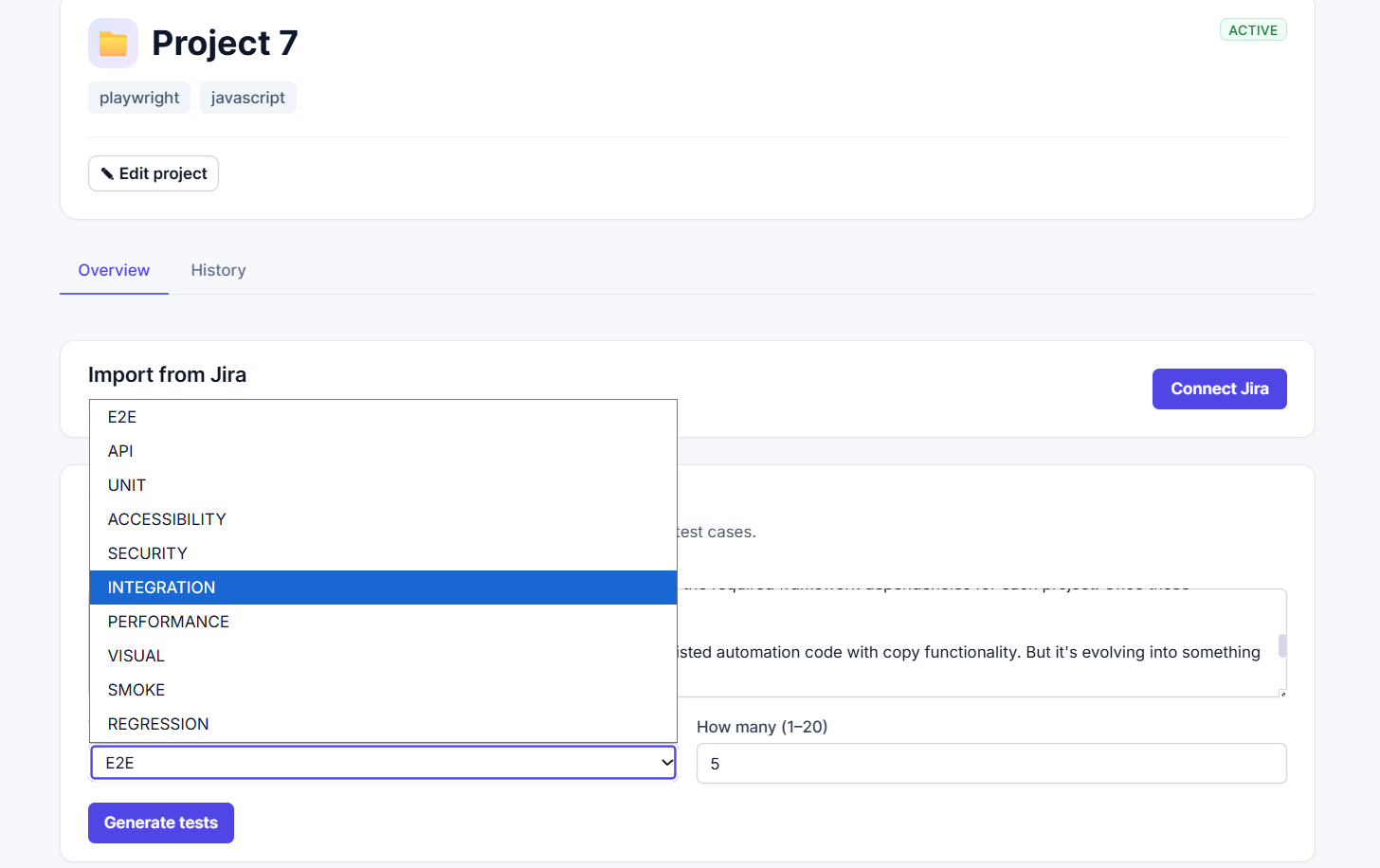
Before generating, pick:
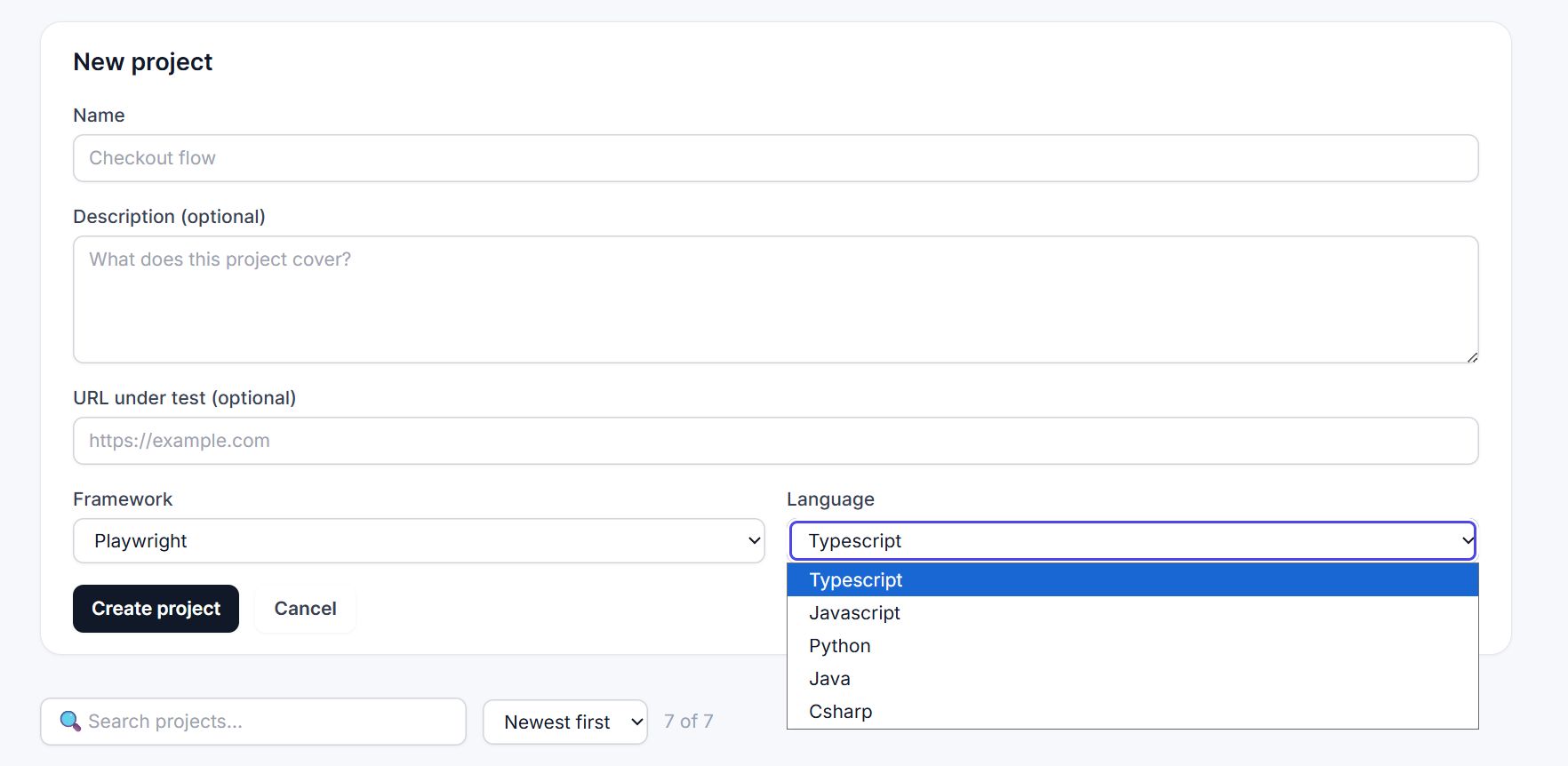
- Framework: Playwright (also supports Cypress and Selenium)
- Language: TypeScript, JavaScript, Python, Java, C#, or Ruby
- Test type: E2E, API, Unit, Integration, Accessibility, Security, Performance, Visual, Smoke, or Regression
- Count: How many test cases to generate (1–20)
Step 5: Generate & Run
Within seconds, you'll see structured test cases — each with a title, description, priority level, and complete Playwright code.
Click “Run” on any test to execute it in Testcraft's isolated cloud runner. You'll get pass/fail results, execution logs, timing, and failure screenshots — all without leaving the browser.
Example: Login Flow Test
Here's a real example. Given this Jira acceptance criterion:
“A user with valid credentials should be redirected to the dashboard after login. Invalid credentials should show an error message without redirecting.”
Testcraft generates:
import { test, expect } from '@playwright/test';

test.describe('Login Flow', () => {
  test('valid credentials redirect to dashboard', async ({ page }) => {
    await page.goto('/login');
    await page.fill('[data-testid="email"]', 'user@example.com');
    await page.fill('[data-testid="password"]', 'password123');
    await page.click('[data-testid="submit"]');
    await expect(page).toHaveURL('/dashboard');
  });

  test('invalid credentials show error', async ({ page }) => {
    await page.goto('/login');
    await page.fill('[data-testid="email"]', 'wrong@example.com');
    await page.fill('[data-testid="password"]', 'wrongpass');
    await page.click('[data-testid="submit"]');
    await expect(page.locator('[data-testid="error"]')).toBeVisible();
    await expect(page).toHaveURL('/login');
  });
});
That's complete, runnable Playwright code — with proper selectors, assertions, and edge cases. Copy it, drop it into your test suite, and it works.
Why Teams Choose Testcraft Over Manual Testing
Much Faster
What took hours takes seconds. Generate a whole suite from one Jira link.
Zero Boilerplate
No setup, teardown, or repetitive assertions. The AI handles the boring parts.
Always In Sync
Requirements changed? Re-import the Jira ticket and regenerate in one click.
Frequently Asked Questions
Does Testcraft modify my Jira tickets?
No. Testcraft only requests read access to your Jira projects. It never creates, updates, or deletes tickets. Your data stays exactly as it is.
What if the generated test needs tweaking?
The generated code is yours to modify. It's standard Playwright — you can edit it, extend it, or use it as a starting point. No proprietary format, no lock-in.
Can I use this with Cypress or Selenium?
Yes. Testcraft supports Playwright, Cypress, and Selenium across six languages: TypeScript, JavaScript, Python, Java, C#, and Ruby.
How much does it cost?
Testcraft has a free plan with 10 test cases per month. The Pro plan ($49/mo) includes 300 test cases, Jira import, and cloud execution.
Start Generating Tests Today
QA shouldn't be the bottleneck in your sprint. With Testcraft, every Jira ticket becomes a test suite — automatically, instantly, and in your framework of choice.
Start free — no credit card →10 free test cases/month. Connect Jira, generate Playwright tests, and run them in the cloud.